whatsapp booking bot
WhatsApp booking bot for salons: what a good one actually does
By Runs It All · · 3 min read
It is eleven at night. A client types: "Hi, can I get long polygel tomorrow morning?" You are asleep, or in the middle of a client, or simply off for the day. If nobody answers until the morning, she may well have asked another salon by then.
A WhatsApp booking bot is the answer to that moment. But there is a big difference between a bot that sounds helpful and one that actually books correctly. Here is what a good one does, how to test any of them in ten minutes, and what a real conversation looks like.
What a WhatsApp booking bot has to do
Strip away the marketing and a bot that books appointments on WhatsApp has five jobs. If it misses one, you will feel it within a week.
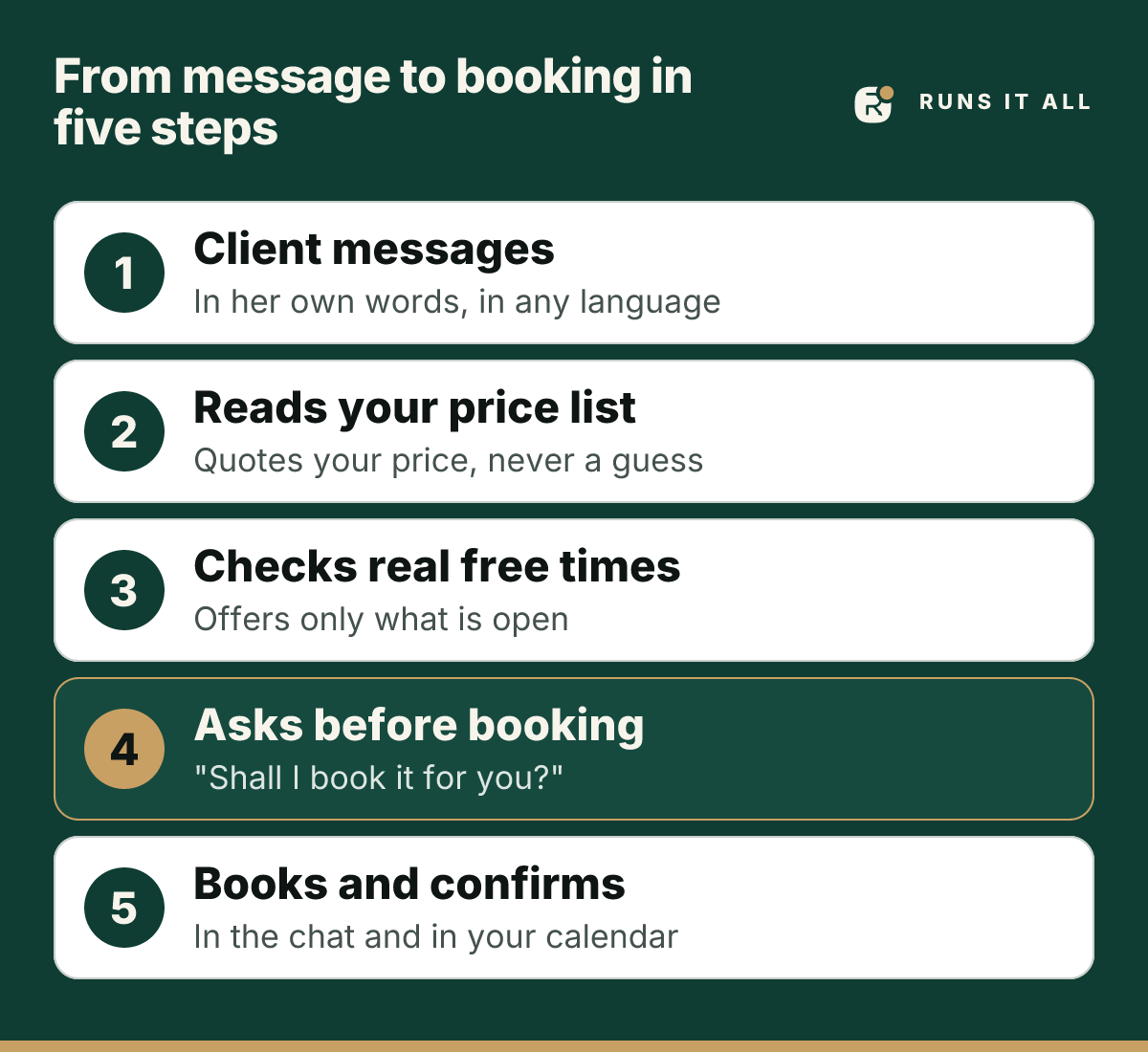
- It knows your services and your prices. It quotes from your own price list, so a long polygel is the price you set, not a number it guessed.
- It checks real free times. It offers a slot only when that slot is actually free, so you do not wake up to two clients booked for 09:30.
- It asks before it books. "Shall I book it for you?" and then waits for a yes. A bot that books on a maybe creates the mess you hired it to remove.
- It confirms in the chat, in the client's own language, so the client has the details in front of her and you have a booking in your calendar.
- It knows when to stop. A complaint, a medical question or anything it is not sure about goes to you, not to a confident guess.
A worked example
This is what the five steps look like in one short conversation. It is a demonstration with a made-up studio and a made-up client, and the replies are the kind the product really sends.
- Client: Hi, can I get long polygel tomorrow morning?
- Assistant: Hi Lara! Long polygel is £45 and takes about 90 minutes. Tomorrow morning I have 09:30 or 11:00. Which suits you? 💅
- Client: 9:30 please
- Assistant: Polygel (Long) tomorrow at 09:30 is free. Shall I book it for you?
- Client: yes
- Assistant: Booking confirmed! You're all set for Polygel (Long) on Fri, Nov 6, 09:30 AM.
Example conversation. The studio and the client are invented.
Notice what did not happen. The assistant did not make up a price, it did not offer a time that was taken, and it did not book until the client said yes.
Test any WhatsApp booking bot in ten minutes
Before you trust a bot with your clients, message it yourself from a second phone. These six tests show you most of what you need to know.
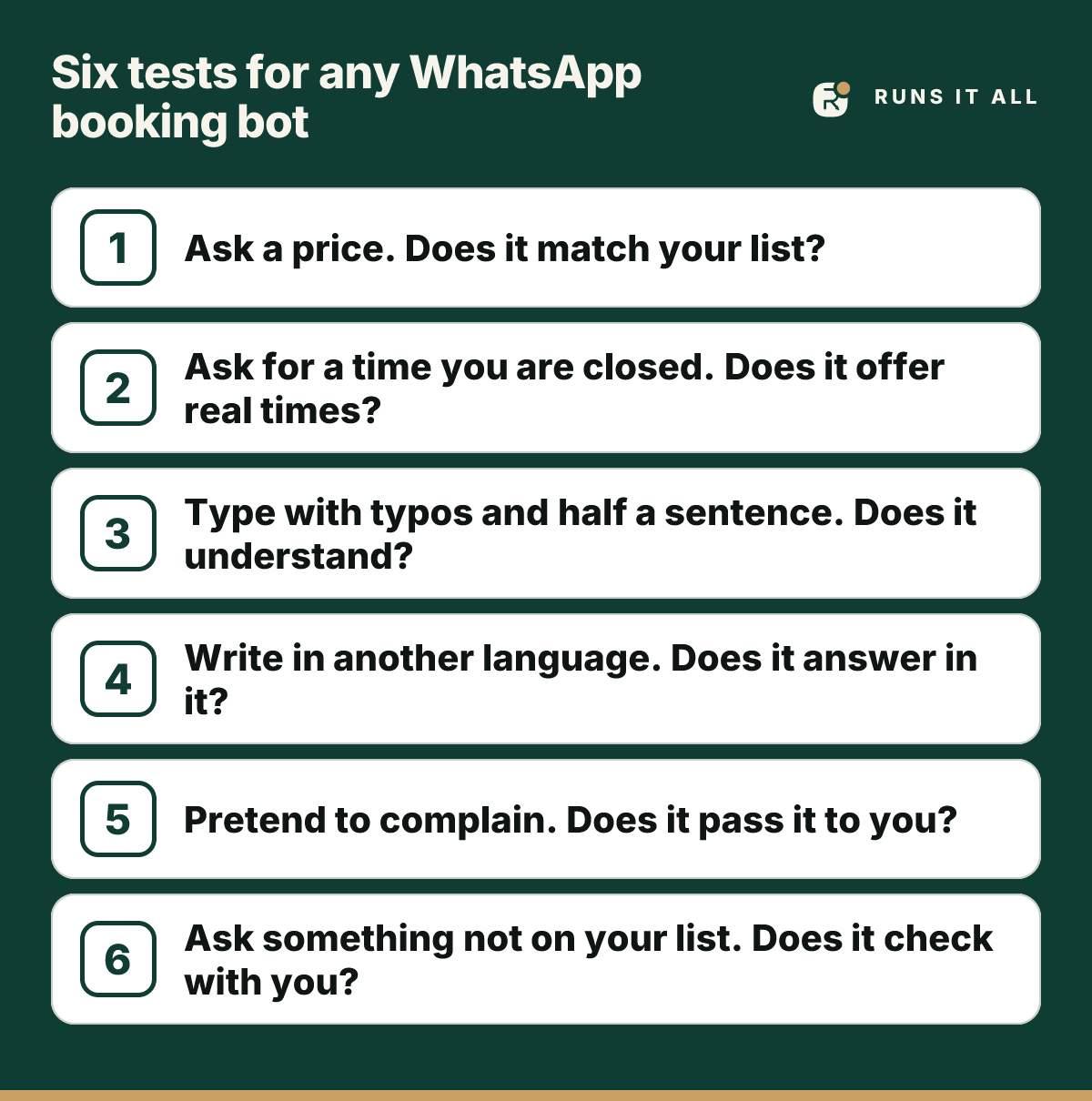
- Ask the price of a service you offer. Does the price match your list exactly?
- Ask for a time you are closed. It should say so and offer real times instead.
- Write the way people really write, with typos and half a sentence ("balyage sat morning?"). It should still understand.
- Write in another language. It should answer in that language.
- Pretend to complain ("my colour was wrong"). It should pass this to you and not argue or promise a refund.
- Ask something that is not on your price list. It should say it will check with you, not invent an answer.
If a bot fails the first or the last test, stop. Wrong prices and invented answers cost you more than the missed messages did.
Two questions to ask before you sign up
Does it work on the WhatsApp number my clients already use?
Many tools need a separate business-API account and an approval process before the first message goes out. Runs It All works the way WhatsApp Web does: you scan a code with the WhatsApp Business app on your phone, and the assistant answers on the number your clients already know. No Meta onboarding is required.
We are open about the trade-off of this approach, and about when it is not the right choice: Read the honest risks of running a WhatsApp assistant without Meta approval.
What happens when I want to step in?
You should always be able to take over a conversation. A good assistant hands a client over cleanly and tells you why, so you pick up with the full picture instead of asking the client to repeat herself.
Questions owners ask
- Can a WhatsApp bot book appointments on its own?
- Yes. It reads your price list, checks your real free times, proposes a slot, and books only after the client says yes. Anything it is unsure about goes to you.
- Do I need Meta's approval to use Runs It All?
- No Meta onboarding is required. You connect the WhatsApp Business number you already use by scanning a code, the same way you would link WhatsApp Web. We explain the trade-offs openly on our page about running without Meta approval.
- Will it double-book my calendar?
- It checks real free times before it offers one, and it books only after the client confirms. That is the step that keeps two clients from landing in the same slot.
- What if a client is upset or asks something medical?
- The assistant does not argue, promise refunds or give medical advice. It passes the conversation to you with the reason, so you can answer personally.
- Does it reply in my clients' language?
- Yes. It answers in the language the client writes in.